How to Stop AI Coding Agents From Leaking API Keys in 2026
AI coding assistants can expose credentials through repository files, terminal output, and connected tools. Learn how to reduce these risks using restricted permissions, secret scanning, sandboxing, and safer development practices.
Khalil Ur Rehman
Author
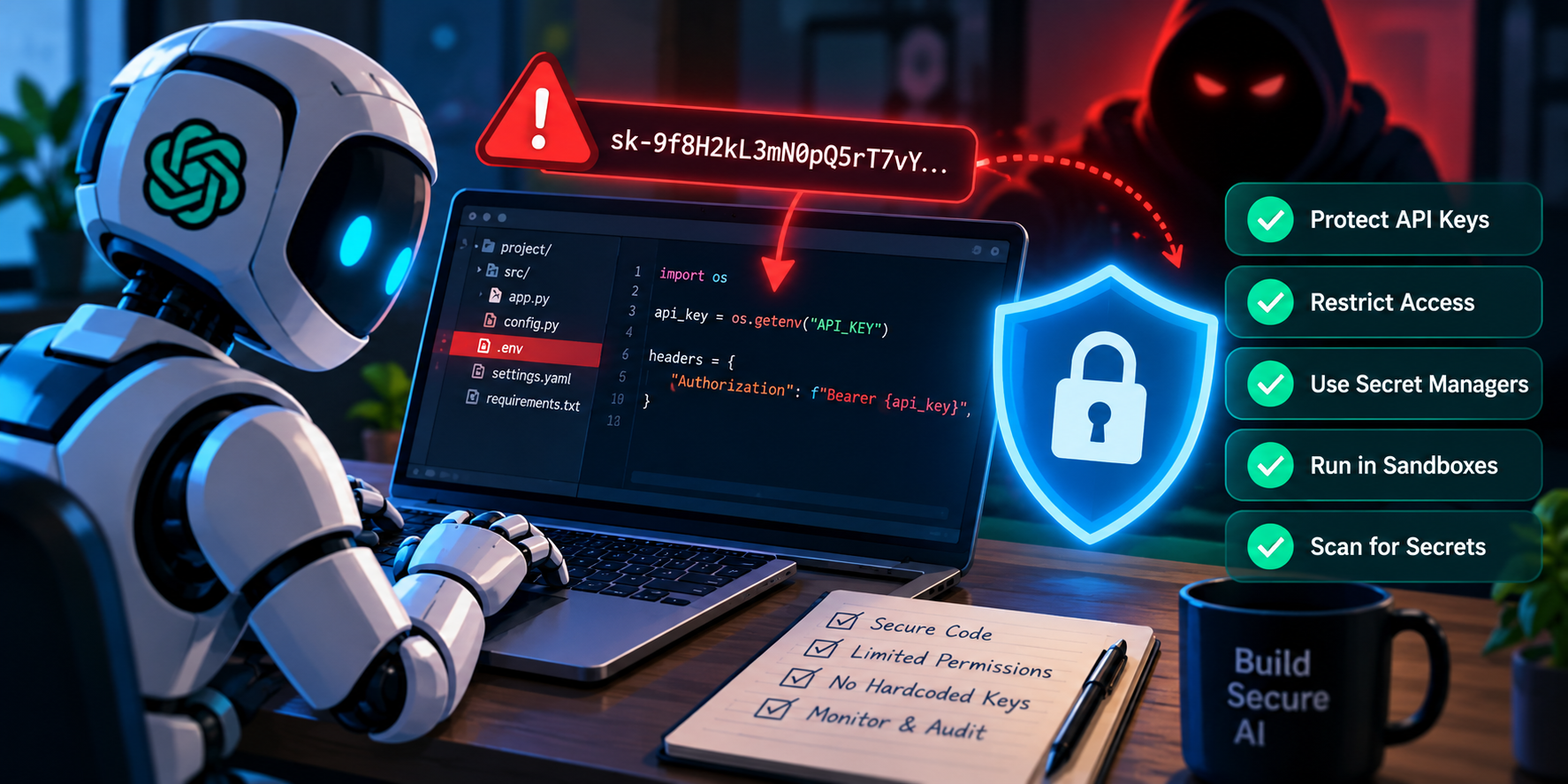
Introduction: Your AI Coding Assistant May Have Access to More Than You Realize
Imagine asking an AI coding assistant to fix a Python application.
The agent examines your project files, reads configuration settings, runs a few commands, and suggests a solution. Everything seems normal.
But what if the same project contains a .env file with a production API key?
Depending on the agent's permissions and configuration, that sensitive information could become part of its working context, appear in terminal output, or be passed to another connected tool.
This is one of the important cybersecurity challenges emerging as AI coding assistants become more autonomous.
Tools such as GitHub Copilot, Claude Code, Cursor, and Codex can help developers complete complex programming tasks. However, agents with access to files, terminals, and external services introduce security risks beyond ordinary code completion.
According to OWASP's Secure Coding with AI Cheat Sheet, developers should treat repository content as potentially untrusted and restrict the credentials and tools available to coding agents.
The goal is not to stop using AI coding assistants. It is to make sure they can complete their tasks without unnecessarily accessing sensitive information.
1. Why AI Coding Agents Can Expose API Keys
Traditional code editors display project files, but autonomous AI agents may actively inspect files, execute commands, and interact with connected services.
This creates additional opportunities for sensitive information to move beyond its intended location.
Common exposure paths
Environment files: Files such as
.envmay contain API keys, database passwords, and authentication tokens.Terminal output: Debugging commands may accidentally display credentials.
Configuration files: Some applications store sensitive connection details in JSON, YAML, or other configuration formats.
Git repositories: Developers may accidentally commit secrets into source control.
Connected tools: An agent may pass sensitive information to an external API or MCP server.
Application logs: Authentication headers or debugging information may appear in logs.
Prompt injection: Malicious instructions hidden in external content may attempt to persuade an agent to reveal information.
A coding agent does not need malicious intentions to expose a credential. Poorly configured permissions and accidental context sharing can be enough.
Engineering takeaway: Treat everything an AI agent can read, execute, or transmit as part of your application's security boundary.
2. Understand the Difference Between API Keys and Access Permissions
An API key is a credential used by software to authenticate with a service.
Developers use API keys to access services such as AI models, cloud infrastructure, payment systems, and databases.
If an attacker obtains a valid credential, the consequences depend on what that credential allows.
Potential outcomes include:
Unauthorized API requests.
Unexpected usage charges.
Access to private application data.
Modification of cloud resources.
Disruption of connected services.
However, not every leaked key grants the same level of access.
A read-only development token is generally less dangerous than a production credential with administrative permissions.
This is why the principle of least privilege matters.
An AI coding agent should receive only the access required for its current task, and that access should expire when it is no longer needed.
3. Keep API Keys Out of Source Code
One of the simplest security improvements is to avoid embedding credentials directly in application code.
Consider this insecure example:
API_KEY = "my-real-api-key"

def connect():
    return API_KEY
If the file is committed, copied, logged, or included in an AI prompt, the credential may be exposed.
A safer approach is to retrieve the key from a protected runtime environment.
Safer Python example
import os

api_key = os.environ.get("SERVICE_API_KEY")

if not api_key:
    raise RuntimeError(
        "SERVICE_API_KEY is not configured"
    )

# Pass api_key to the approved API client.
# Never print or log its value.
However, environment variables are not automatically invisible to AI agents. An agent with permission to inspect its process environment may still access them.
For production systems, use an approved secrets manager and grant credentials only to the component that actually needs them.
Engineering takeaway: Removing credentials from source code is necessary, but controlling runtime access is equally important.
4. Protect Sensitive Files From AI Agent Access
Many projects contain files that should not be available to an AI coding assistant.
Examples include:
.envand.env.productionPrivate SSH keys
Cloud credential files
Service-account credentials
Database backups
Production configuration files
Developers often assume .gitignore is enough to protect these files.
It is not.
A .gitignore file prevents matching untracked files from being added to Git through ordinary workflows. It does not prevent a local program or AI agent from reading those files.
Example .gitignore configuration
.env
.env.*
!.env.example

*.pem
*.key
credentials.json
serviceAccountKey.json
Recommended protections
Configure the coding assistant's file-access restrictions.
Exclude sensitive paths from AI context where supported.
Require manual approval before accessing protected files.
Avoid opening credential files while an assistant is collecting editor context.
Keep production secrets outside agent-accessible workspaces.
Important: Ignore-file behavior varies across AI development tools. Check the current documentation for the specific assistant rather than assuming one configuration works everywhere.
5. Detect Accidentally Exposed Secrets With Python
Even careful developers can accidentally include credentials in source files.
A basic local scanner can help identify suspicious patterns before code is committed.
The following example searches for common credential assignments.
Python example: Simple secret-pattern scanner
from pathlib import Path
import re

PATTERN = re.compile(
    r'(?:api_key|secret_key|access_token)'
    r'\s*=\s*["\'][^"\']{8,}["\']',
    re.IGNORECASE
)

EXTENSIONS = {".py", ".js", ".json", ".yaml", ".yml"}

def scan_directory(directory):
    for path in Path(directory).rglob("*"):
        if not path.is_file():
            continue

        if path.suffix not in EXTENSIONS:
            continue

        try:
            content = path.read_text(
                encoding="utf-8"
            )
        except (OSError, UnicodeError):
            continue

        for number, line in enumerate(
            content.splitlines(), start=1
        ):
            if PATTERN.search(line):
                print(
                    f"Potential secret: "
                    f"{path}:{number}"
                )

scan_directory("./src")
This script prints file locations rather than secret values.
What this example does
Searches selected source and configuration files.
Detects simple credential-assignment patterns.
Reports the file and line number.
Avoids printing the matched credential.
Important limitations
This is an educational example, not a complete security scanner.
It can miss secrets stored in unusual formats, environment files, binary files, or generated artifacts. It may also report harmless placeholder values.
For production development, consider established secret-scanning tools such as Gitleaks, TruffleHog, or GitHub Secret Protection.
Engineering takeaway: Use lightweight checks during development, but rely on mature scanning tools and repository controls for broader coverage.
6. Run AI Coding Agents in Restricted Environments
One of the strongest defenses against accidental credential exposure is isolation.
Instead of giving an AI agent unrestricted access to a developer's computer, run it in a controlled environment.
Possible approaches include:
Development containers.
Dedicated virtual machines.
Ephemeral cloud workspaces.
Restricted operating-system accounts.
Sandboxed command-execution environments.
A secure workspace should expose only the files, tools, and network connections required for the assigned task.
For example, an agent fixing a frontend styling issue should not need access to production database credentials or cloud administrator tokens.
Practical restrictions
Mount only necessary project directories.
Avoid mounting the developer's home directory.
Do not pass production secrets into the agent environment.
Restrict unnecessary outbound network connections.
Require approval for sensitive commands.
Review generated changes before merging.
A container alone does not guarantee complete isolation. Its effectiveness depends on runtime permissions, mounted volumes, networking, and host configuration.
Engineering takeaway: Isolation reduces the damage an agent can cause if it makes a mistake or follows malicious instructions.
7. Understand Prompt Injection Attacks
Prompt injection occurs when untrusted content attempts to influence an AI system's behavior.
For coding agents, suspicious instructions can appear in places developers would normally consider ordinary project information.
Examples include:
GitHub issues.
Pull request descriptions.
README files.
Dependency documentation.
Error messages.
Webpages.
MCP tool responses.
Imagine an agent reading a GitHub issue that contains instructions unrelated to the developer's request.
The issue might attempt to persuade the agent to inspect private configuration files or send information to an external destination.
The correct security model is to treat issue content as task data, not as a trusted instruction source.
Recommended defenses
Treat externally supplied content as untrusted.
Limit the commands and tools available to the agent.
Prevent access to unnecessary credentials.
Require approval for sensitive operations.
Restrict outbound connections.
Review unexpected file changes or tool calls.
Prompt filtering can help identify suspicious content, but it should not be the only security control.
Engineering takeaway: An agent should not gain new permissions merely because a document tells it to perform an action.
8. Secure MCP Servers and Connected Tools
The Model Context Protocol, or MCP, allows AI applications to interact with external tools and services.
For example, a coding assistant may connect to a repository service, database, documentation system, or issue tracker.
These integrations can improve productivity, but they also expand the agent's available capabilities.
A poorly configured MCP server may expose sensitive operations or provide access beyond what the task requires.
MCP security recommendations
Connect only to trusted MCP servers.
Review server permissions before enabling tools.
Use separate credentials for different services.
Avoid granting administrative access.
Restrict sensitive filesystem operations.
Validate tool arguments before execution.
Review changes to tool definitions and configurations.
Disable integrations that are no longer needed.
A code-review agent should not automatically receive permission to modify production databases or access payment systems.
Engineering takeaway: Every connected tool should have a clear purpose and a limited permission boundary.
9. Protect API Keys in GitHub Actions and CI/CD Pipelines
AI coding agents are increasingly involved in automated development workflows.
Some agents can review pull requests, suggest fixes, execute tests, and modify repository files.
This creates additional risks when automation environments contain deployment credentials or other sensitive secrets.
Recommended CI/CD safeguards
Give automation jobs only the permissions they require.
Separate testing credentials from production credentials.
Avoid exposing secrets to workflows triggered by untrusted contributions.
Require human review for deployment-related changes.
Use short-lived credentials where supported.
Enable secret scanning and push protection.
Review changes to workflow files and third-party actions.
GitHub's security documentation describes protections for its Copilot cloud agent, including restricted credentials, security validation, and human review requirements.
However, built-in protections should supplement your organization's security policies rather than replace them.
Engineering takeaway: A coding agent that reviews source code should not automatically have the authority to deploy software or access production secrets.
10. What to Do If an AI Agent Exposes an API Key
If a credential appears in an AI conversation, repository, terminal log, or external tool response, treat it as a potential security incident.
Deleting the visible text may not be enough.
Immediate response checklist
1. Revoke or rotate the credential
Disable the exposed key and generate a replacement using the service provider's approved procedure.
2. Investigate where the key appeared
Check repository history, logs, agent sessions, and connected tools to determine the possible exposure scope.
3. Review suspicious activity
Look for unexpected API requests, unusual billing activity, unauthorized access, or unfamiliar resource changes.
4. Remove the credential from affected locations
Clean up exposed files and logs according to your organization's incident-response process.
If the key was committed to Git, removing it from the latest version does not necessarily remove it from repository history.
5. Update the affected application
Deploy the replacement credential securely and confirm that legitimate services continue functioning.
6. Prevent recurrence
Review the agent's permissions, workspace access, secret storage, and monitoring configuration.
Engineering takeaway: A potentially exposed credential should be treated as compromised until its exposure has been assessed and the appropriate response completed.
A Practical Security Scenario: Fixing Code Without Exposing Secrets
Consider a development team using an AI coding assistant to troubleshoot a Python API.
The application repository contains source code, tests, documentation, and local configuration files.
The agent needs to inspect the application and run unit tests, but it does not need production credentials.
A safer workflow would look like this:
Step 1: Prepare a restricted workspace
Copy only the required source code, tests, and non-sensitive configuration into an isolated environment.
Step 2: Provide synthetic test credentials
Use placeholder values or dedicated test credentials that cannot access production systems.
Step 3: Restrict agent permissions
Allow necessary file reads and test commands while blocking access to sensitive directories and unrelated network destinations.
Step 4: Run the debugging task
Let the agent investigate the issue using the restricted workspace.
Step 5: Review the result
Inspect code changes, command history, and any external tool activity before accepting the proposed fix.
Step 6: Perform security checks
Run secret scanning and the project's relevant tests before committing the changes.
What could go wrong?
An agent might request access to a missing configuration file because the application cannot start without it.
Granting access to a production .env file would be a poor solution.
A safer alternative is to provide a test configuration containing non-sensitive values and reproduce the application behavior in isolation.
This scenario illustrates a recommended workflow, not a claim that a particular AI coding product was tested.
Final Security Checklist for Developers
Before allowing an AI coding agent to work on a project, verify the following:
Sensitive credentials are not embedded in source code.
Production secrets are unavailable to the agent unless explicitly required and approved.
Agent permissions follow least-privilege principles.
Untrusted repository content cannot authorize sensitive actions.
External tools and MCP servers have been reviewed.
Network access is limited to necessary destinations.
Secret scanning is part of the development workflow.
CI/CD permissions are restricted.
Sensitive operations require appropriate approval.
A credential-rotation procedure is available.
These controls will not eliminate every security risk, but they can substantially reduce unnecessary exposure opportunities.
Conclusion: AI Coding Security Starts With Access Control
AI coding agents can help developers write, test, debug, and maintain software more efficiently.
But greater automation also creates new responsibilities.
An agent that can read project files, execute commands, and interact with external systems must be treated as a privileged software component—not simply a chatbot.
The most effective protection is not asking the AI to be careful with secrets.
It is designing the development environment so sensitive credentials are unavailable unless they are genuinely required.
By combining least-privilege access, isolated workspaces, secret scanning, controlled tool permissions, and incident-response procedures, development teams can use AI coding assistants while reducing the risk of API key exposure.